A shipment you can’t locate is costing you money before it arrives.
Tracking Shipments and Documents Digitally for Import Companies
Many importers follow their shipments through repeated calls with the supplier, freight forwarder and customs broker, while documents stay scattered between email and phone photos. Here is a practical way to turn that into one digital file per shipment.
Trade and import 5 min read
By Nour Aldein Tleti. Updated .
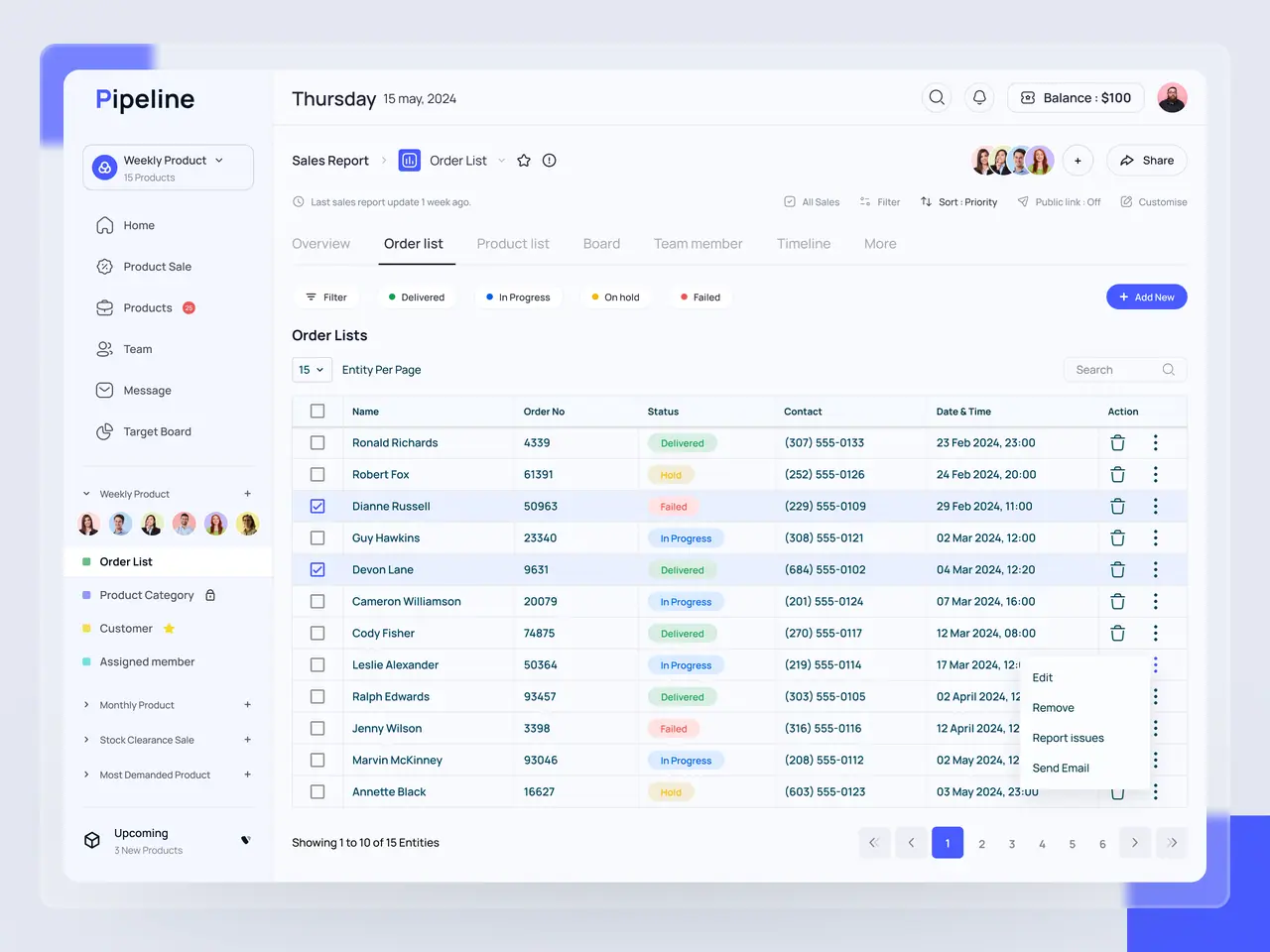
How do I track shipments and their documents digitally?
Create one digital file for each shipment that holds the purchase order, documents, costs and stages, and update its status at every step from loading to receipt in the warehouse. Give each stage an owner and an expected date, and switch on an alert for delays. That way the whole team knows where a shipment stands without calling anyone.
What goes into a digital shipment file
- Basic details
- Supplier, purchase order number, items and quantities, shipping method and port of arrival.
- Documents
- Commercial invoice, packing list, bill of lading, certificate of origin and insurance document, each attached under a clear name.
- Related costs
- Freight, insurance, clearance and inland transport, recorded in their currency with the exchange rate used.
- Stage log
- Every status change with its date and the name of who updated it, so it is easy to see where a shipment was delayed. Over time this log becomes a reference for evaluating suppliers and freight forwarders.
Stages worth tracking
- Order and payment confirmation
- When the supplier confirmed the order, when the payment was sent or the letter of credit opened, and which document proves it.
- Loading and departure
- The actual loading date, the container or shipment number, and the carrier’s tracking link if there is one.
- Arrival and clearance
- When the goods arrived, which documents are required, and who is handling customs procedures.
- Receipt at the warehouse
- Match received quantities against the packing list and record any shortage or damage with photos.
Tips suited to the Syrian market
- Keep copies off the phone
- Photos on one employee’s phone can be lost with the device or when that person leaves, so upload them to an organised shared folder.
- Record the exchange rate on each payment day
- Landed cost moves with the exchange rate. Recording it at the moment of payment prevents disputes when you calculate profit.
- Update when the connection returns
- If the internet drops at the port or on the road, note the status in an app that works offline and sync later.
- Agree on one channel with the customs broker
- One WhatsApp group per shipment, or a single upload link, stops papers being scattered across several personal chats.
How to build a simple tracking system
- 01
Define the stages
Agree with the team on a fixed list of stages, from order confirmation to receipt.
- 02
Create a shipment file template
Set the mandatory fields and documents for every shipment, and use consistent naming.
- 03
Give each stage an owner
Who updates the payment status? Who follows clearance? Clarity stops responsibility falling through the cracks.
- 04
Turn on alerts
An automatic alert when a shipment passes the expected date for any stage.
- 05
Link the shipment to stock and cost
On receipt, quantities enter stock and costs are allocated across items.
- 06
Review closed shipments
After each shipment, compare expected and actual dates to see which stage usually runs late, and with which supplier.
Tracking tools by company size
| Company size | Suitable tool | What to watch |
|---|---|---|
| Small importer | A shared sheet and an organised cloud folder | Sticking to naming rules and daily updates |
| Mid-sized company | A purchasing and shipments system linked to stock | Allocating costs to items on receipt |
| Multi-branch company | An integrated system with permissions and alerts | Setting permissions and training branches |
| Company importing on behalf of others | A portal where each client sees only their own shipments | Complete separation of client data |
Read also
Frequently asked questions
Is an Excel sheet enough to track shipments?
It is enough at the start if it is shared, kept up to date and built on a fixed template. But once shipments multiply and you need to link them to stock and cost, a connected system saves time and cuts errors.
Can the system connect to carriers’ tracking websites?
Some carriers offer tracking links or integration services, and at the very least you can save the link in the shipment file. Automatic integration depends on what each carrier allows.
Who should see the shipment file?
Purchasing, accounting, the warehouse and management, each according to their permissions. The freight forwarder or customs broker can be given permission to upload documents only.
How do we calculate landed cost accurately?
Add the supplier price and all extra shipment costs, then allocate them across items using an agreed method such as value, weight or volume, and record the exchange rate used.
What do we do with old paper shipments?
There is no need to digitise them all. Start with current shipments, and scan the documents of important old shipments only when you need them.
Keep exploring
- Digital Transformation for Trade and Import Companies in SyriaTrading margins are made or lost in the gaps between shipment, warehouse, price list and collection.
- Digital transformation for logistics and transport in SyriaEvery trip, parcel and litre of fuel leaves data behind. Many fleets still lose it in notebooks and WhatsApp chats.
- Paperless office and electronic archiving in SyriaIf finding one contract means opening three cabinets, paper is costing you more than you think.
- Inventory management system for companies in SyriaStock is cash sitting on shelves. If you can’t see it clearly, you can’t manage your cash.
Need help with your organisation’s digital transformation?
Message ONE DIGITAL’s Syria branch on WhatsApp +963 936 503 899 or visit us in Hama. We’ll review your situation and suggest a practical first step.
WhatsApp Nour Aldein TletiCall +971 58 996 9118WhatsApp Syria branch +963 936 503 899
Discuss your project with ONE DIGITAL

