If the system says 40 and the shelf says 32, every other number is wrong too.
Odoo Inventory: warehouse and stock management
Odoo Inventory tracks every movement of stock across warehouses and locations, reorders automatically, traces lots and serial numbers, and values stock straight into accounting. We configure it around how goods actually move in your business.
By Nour Aldein Tleti. Updated .
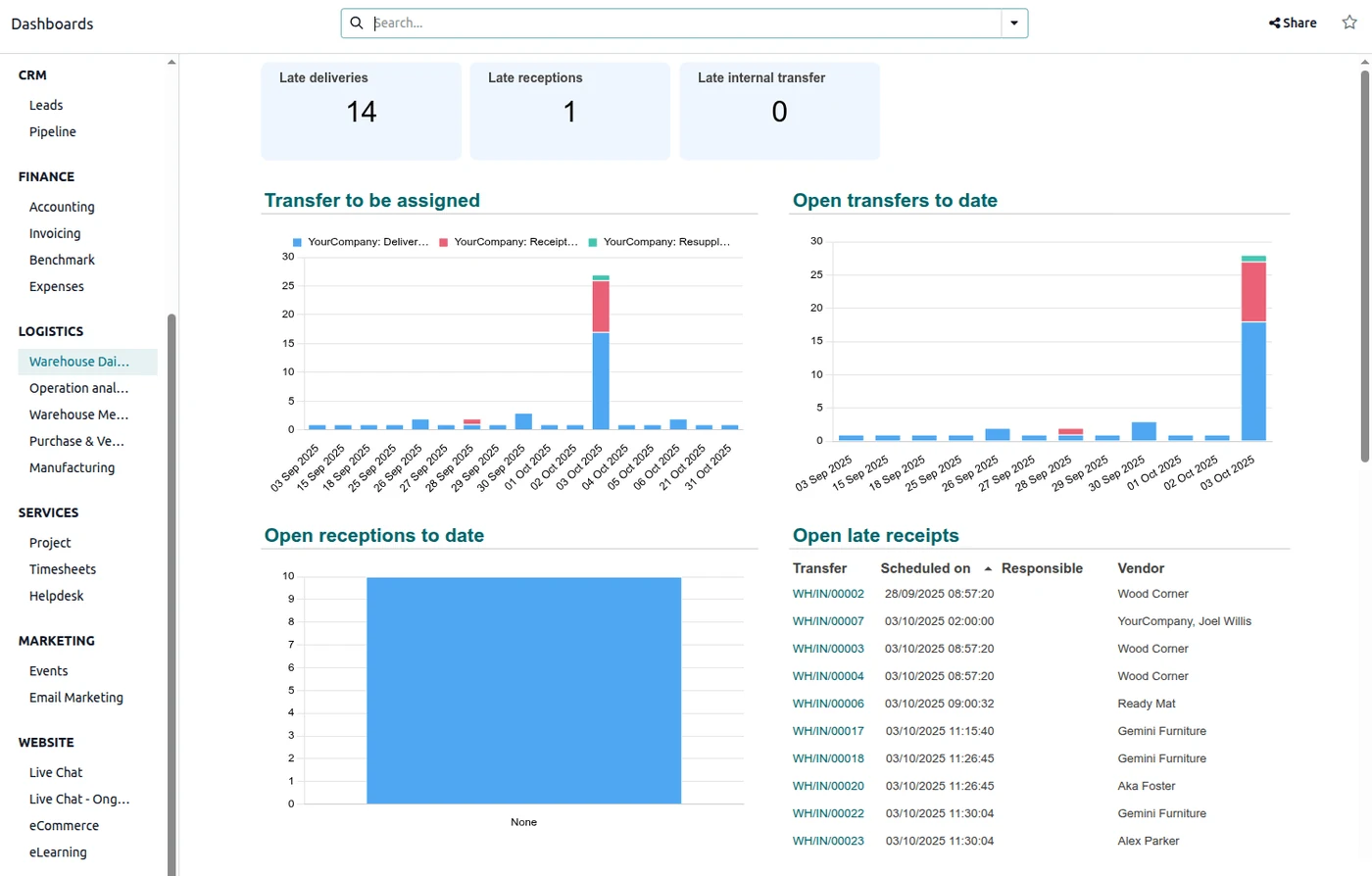
Can Odoo manage multiple warehouses and track lots and serial numbers?
Yes. Odoo Inventory supports multiple warehouses and locations, configurable receipt and delivery routes, lot and serial number tracking with expiry dates, reordering rules and barcode scanning (the Barcode app is in Enterprise). Stock valuation can post automatically to accounting.
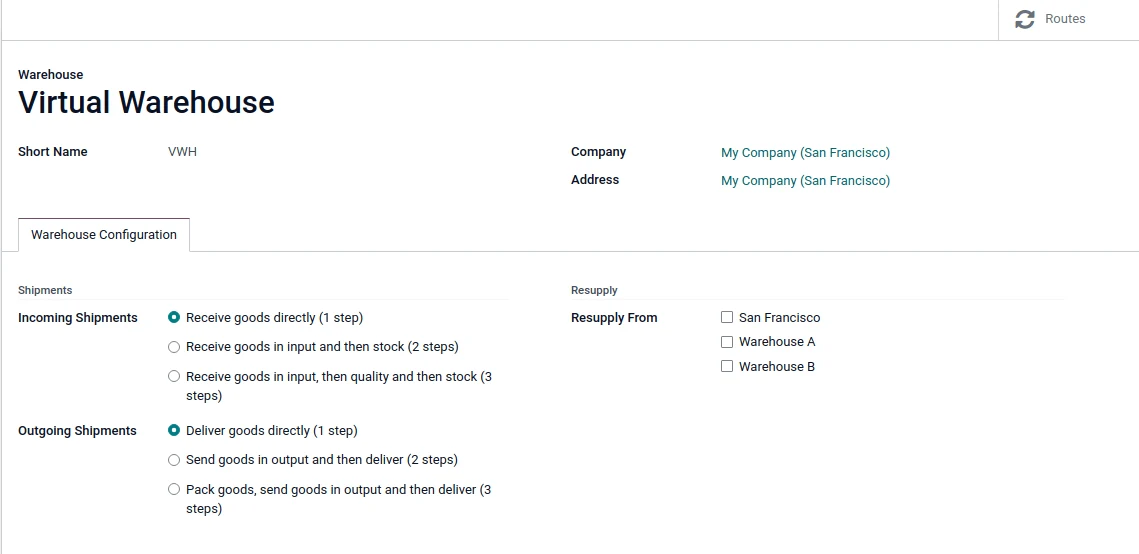
What it covers
- Multi-warehouse
- Locations, transfers between branches and stock by site.
- Routes
- One-, two- or three-step receipts and deliveries, dropship and cross-dock.
- Traceability
- Lots, serial numbers and expiry dates from supplier to customer.
- Replenishment
- Min/max reordering rules that create purchase or manufacturing orders.
- Valuation
- FIFO or average cost posted to accounting.
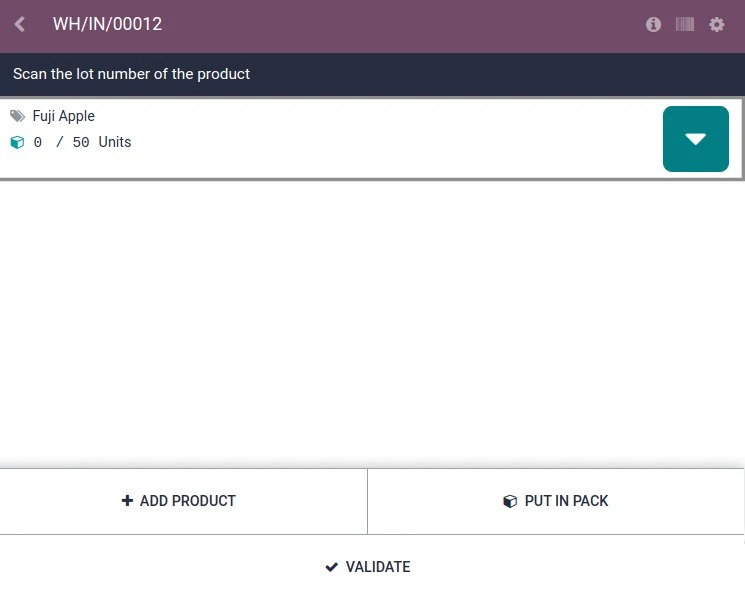
- Barcode
- Scanning for receipts, picking and counts.
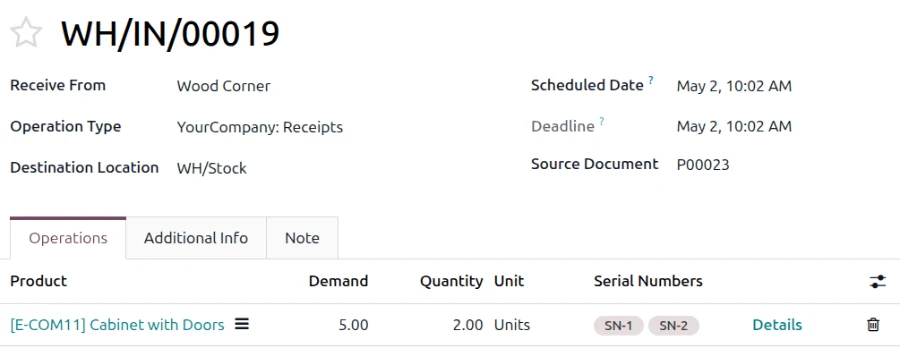
How stock moves in Odoo
- 01Purchase order
- 02Receipt
- 03Quality check
- 04Put-away
- 05Pick
- 06Pack
- 07Deliver
- 08Invoice
Implementation considerations
- Clean product data first
- Units of measure, variants and barcodes decide how smooth go-live is.
- Start with an opening count
- A full physical count at cut-over gives the system a true starting point.
- Match routes to reality
- Two-step picking only helps if your team actually works that way.
Frequently asked questions
Can Odoo handle expiry dates for medical or food stock?
Yes, with lot tracking and expiry dates enabled, plus removal strategies such as FEFO.
Can stock sync with our online store?
Yes, through Odoo eCommerce or an integration with your store.
Keep exploring
- Odoo Purchase: automated buying and supplier controlRunning out of stock and over-buying usually have the same cause: no reorder rules.
- Odoo Sales: quotations to ordersA quotation that takes a day to prepare is a quotation a competitor sends first.
- ERP and inventory systems for trading and distribution companiesIn trading, profit hides in stock you forgot you had and customers who haven’t paid.
- Automate inventory and manage multiple warehousesStock errors are rarely theft. They’re usually a movement nobody recorded.
- Pharmacy systems and marketing in Dubai and the UAEMargins in pharmacy retail are won in the stockroom as much as at the counter.
Get stock you can trust
We review how goods move today and configure Odoo Inventory to match.
WhatsApp Dr. Alaa KhouryCall +971 50 682 5189
Discuss your project with ONE DIGITAL

