A paperless office doesn’t start with a scanner. It starts with a decision: new documents are born digital.
Going paperless: where to start? A realistic plan for companies and institutions
Many offices try to get rid of paper by scanning everything at once, and end up with thousands of scattered files with meaningless names. This article suggests a calmer and more effective start.
Paperless office 6 min read
By Nour Aldein Tleti. Updated .
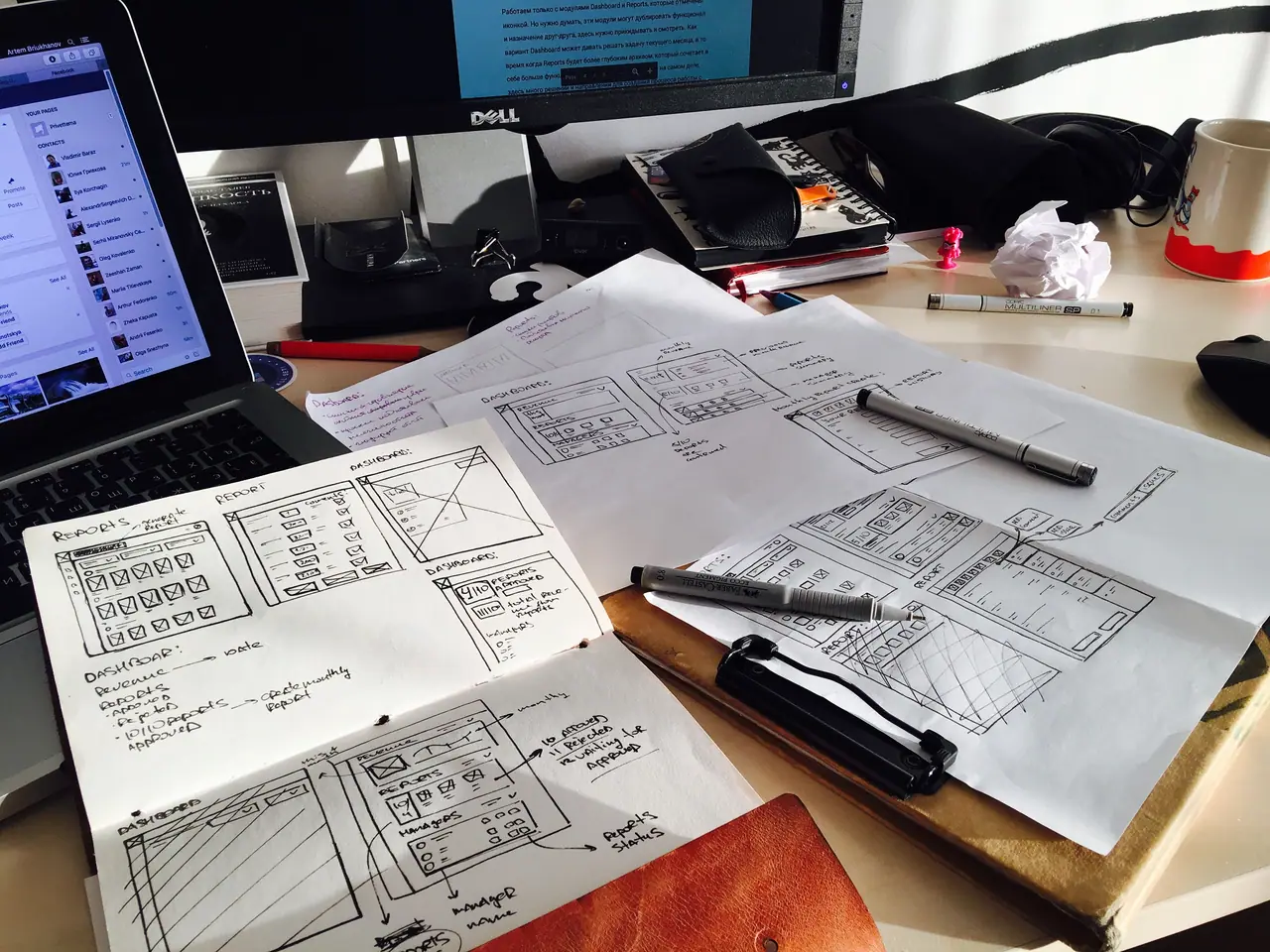
Where do I start turning my office into a paperless office?
Stop the flow of new paper before tackling the old archive: make new requests, correspondence and forms digital in one department. Before that, set up a standard folder structure and file naming rules, and choose a central storage location with backup. Once these habits settle, scan old documents in order of priority.
Before you buy any equipment
- Know what you have
- List the document types in each department: what it issues, what it receives, where they are kept and who needs them.
- Define why you are doing this
- Faster search, fewer lost files or easier work between branches. A clear reason is what sets the priorities.
- Choose the first department carefully
- A cooperative department with heavily used documents, such as purchasing or HR, gives a visible result that convinces the others.
- Appoint an owner
- One person who follows the rollout, answers questions and checks that the agreed rules are followed.
The digital basics you need
- Central storage
- A file server in the office, a cloud service or a mix of both, instead of files scattered across staff computers.
- A standard folder structure
- A fixed breakdown by department, document type and year that everyone agrees on and nobody changes on a whim.
- Naming rules
- For example: date, then document type, then the other party, so sorting and searching are easy later.
- Electronic forms
- Turn recurring paper forms, such as leave and purchase requests, into forms that are filled in and sent electronically.
- Automatic backup
- At least one extra copy in another location, updated without manual intervention.
In Syrian conditions
- Electricity
- A surge protector and backup battery for the server and network equipment prevent file damage during sudden power cuts.
- Intermittent internet
- Choose tools that let people work on files locally and sync later, so work doesn’t stop when the connection drops.
- The stamp-and-signature culture
- Many transactions are built around the signed, stamped sheet, so start digitally with internal transactions and keep on paper what outside bodies require until you are sure of local requirements.
- Teams spread across governorates
- If you have a branch or staff in another governorate, a shared folder saves you sending papers with drivers or photographing them for WhatsApp.
Step-by-step starting plan
- 01
Audit documents in one department
Record their types, volume, where they are kept and who uses them.
- 02
Design the structure and rules
Folders, naming and permissions, written on one page everyone understands.
- 03
Switch new documents to digital
From a set date, every new document in this department is created and stored digitally.
- 04
Scan active documents
Scan only files that are referred to often, and leave the rest for a later phase.
- 05
Evaluate, then roll out
Gather staff feedback, adjust the rules, then move on to the next department.
What to digitise first?
| Document type | Priority | Reason |
|---|---|---|
| Internal requests and forms | High | Used daily and easy to convert |
| Active contracts | High | Referred to often and have renewal dates |
| Employee files | Medium | Sensitive and need precise permissions |
| Incoming letters from outside bodies | Medium | Scanned on arrival and routed digitally to the relevant department |
| Closed archive | Low | Rarely used and can be indexed first |
Read also
Frequently asked questions
Does a paperless office mean never printing?
No. The aim is for the original to be digital and printing to be kept to a minimum. Some documents will stay on paper for legal reasons or because outside bodies ask for them.
What tools do we need to start?
Shared storage, a suitable scanner, an electronic forms tool and a backup system. Many offices already have some of these in suites such as Google Workspace or Microsoft 365.
How do we avoid chaos in the folders?
Agree on the structure and naming rules before you start, and allow new top-level folders to be created only through the owner.
What if some staff resist the change?
Make the digital route easier than the paper one, train people on their real tasks, and ask managers to stop accepting paper requests after a set date.
Can ONE DIGITAL help us plan?
Yes. Its team in Hama can study your documents and propose the structure, the tools and a phased transition plan.
Keep exploring
- Paperless office and electronic archiving in SyriaIf finding one contract means opening three cabinets, paper is costing you more than you think.
- Cloud, Infrastructure and Security for Syrian OrganisationsDigital tools only pay off if they keep working on a bad day.
- People, Skills and Change Management in Digital TransformationMost digital projects stall in the office, not in the software.
- Digital transformation for institutions and organisations in SyriaInstitutions run on approvals, documents and reports. Most of them still travel on paper.
Need help with your organisation’s digital transformation?
Message ONE DIGITAL’s Syria branch on WhatsApp +963 936 503 899 or visit us in Hama. We’ll review your situation and suggest a practical first step.

WhatsApp Nour Aldein TletiCall +971 58 996 9118WhatsApp Syria branch +963 936 503 899
Discuss your project with ONE DIGITAL

