Empty shelves and a storeroom full of dead stock are two problems with one cause.
Barcodes and inventory management in a shop: an implementation guide
Most of the silent losses in shops come from stock: items that ran out without anyone noticing, others that piled up until they expired, and differences nobody can explain. Barcodes with a simple stock system solve a large part of this.
Retail 6 min read
By Nour Aldein Tleti. Updated .
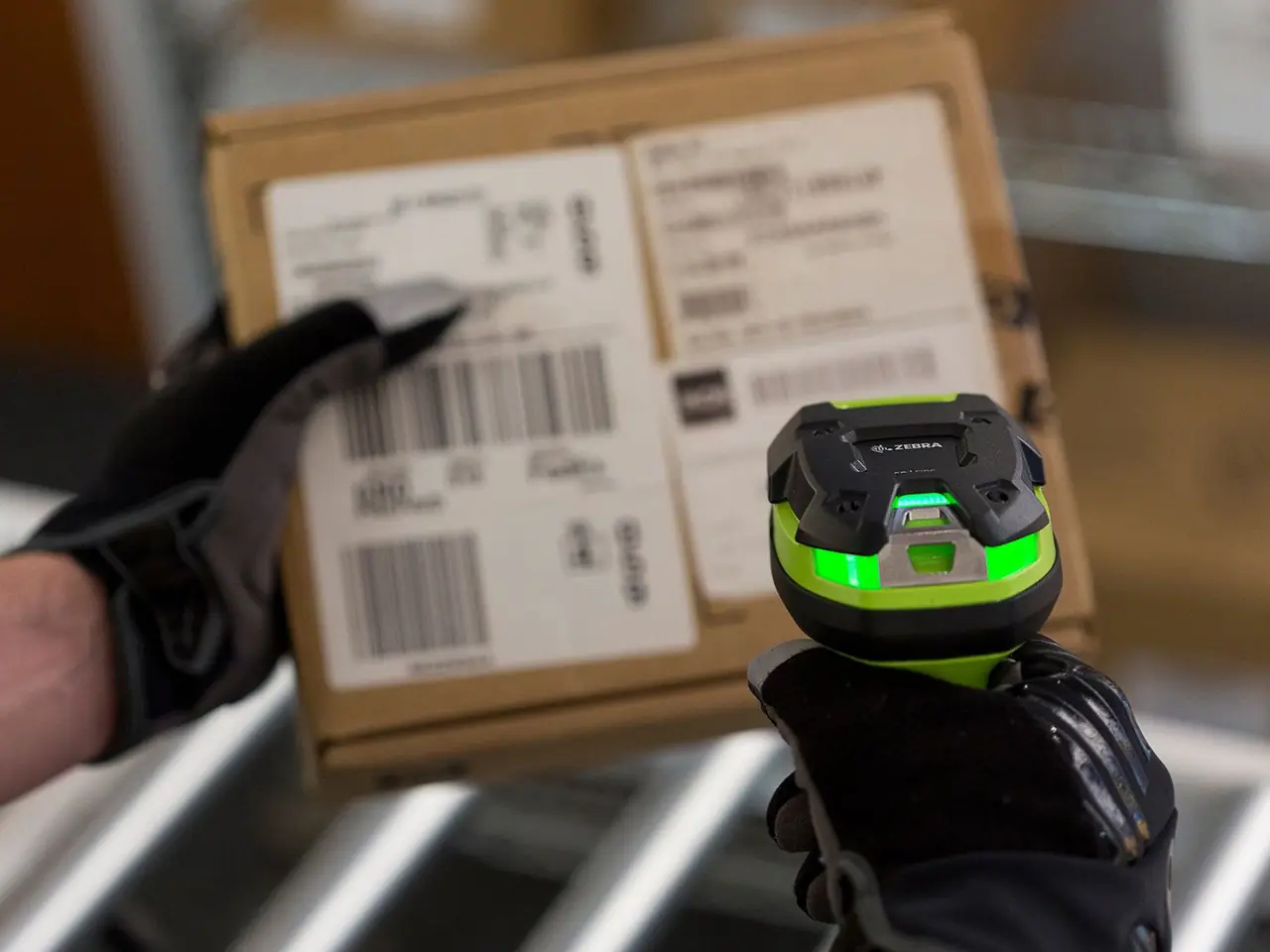
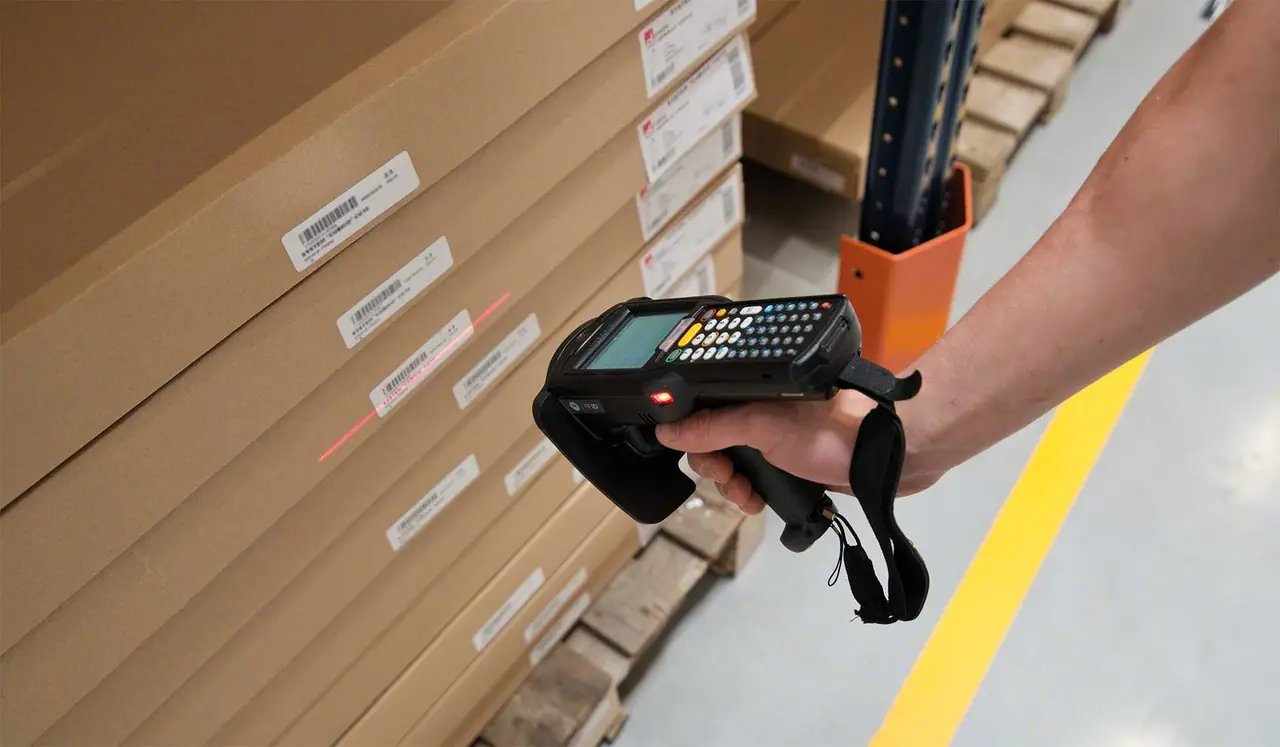
How do barcodes help with shop inventory management?
A barcode gives each item a unique identity that a scanner reads in seconds, so sales, receiving and stock counts are recorded without handwriting. With a stock system linked to the POS, the balance updates with every movement. You know what is running out and what isn’t moving, and you catch differences early.
The basics of coding items
- Manufacturer barcodes first
- Many packaged products carry a manufacturer barcode, so use it as it is instead of creating a new code.
- Internal barcodes for the rest
- For weighed products, items packed in the shop or local products without a barcode, create internal codes and print labels.
- Units and packs
- Distinguish between a single piece, a box and a carton, and set the conversion between them so balances don’t get mixed up.
- Variants
- In clothing and footwear, give each size and colour its own code under the same model.
- Clear names
- Write item names so both the cashier and the customer understand them on the receipt, including brand and size.
The daily stock cycle
- Receive by scanning
- Scan goods when they arrive and check them against the supplier’s invoice before they go on the shelf.
- Sales deduct automatically
- Every scan at the till reduces the balance, with no extra entry.
- Reorder point
- Set a minimum quantity for each important item, and the system alerts you as it gets close.
- Returns and damage
- Record returns and damaged goods as separate movements, so they don’t show up as unexplained differences at the stock count.
- Shelf labels
- Print shelf labels from the system when a price changes, so the displayed price matches the till price.
Stock counts and spotting differences
- An accurate opening count
- Start with a full count of every item; the system is never more accurate than its first balance.
- Partial cycle counts
- Instead of closing the shop for a stock count, count a group of items each week with the scanner.
- Analysing differences
- When the same item keeps showing a difference, look for the cause: a receiving error, theft or items sold without scanning.
- Expiry
- For food, medicines and cosmetics, track expiry dates and put the oldest stock at the front.
Introducing barcodes in an existing shop
- 01
Sort your items
Split them into items with manufacturer barcodes and items that need an internal code.
- 02
Get the equipment ready
A barcode scanner, a label printer for internal codes and a stock system linked to the till.
- 03
Enter the items
Record each item with its code, unit, price and supplier.
- 04
Count and start
Do the opening count on a quiet day or outside working hours, then switch the system on.
- 05
Watch the first month
Review items the scanner doesn’t recognise and any differences, and fix them as you go.
Stock by hand versus with barcodes
| Task | By hand | With barcodes |
|---|---|---|
| Recording a sale | Writing the name and price, or relying on memory | One scan records the item and price |
| Receiving goods | Counting and checking the invoice by eye | Scanning and automatic comparison with the order |
| Stock count | Closing the shop for a long count | A quick partial count with the scanner |
| Spotting shortages | When a customer asks for an item that has run out | An alert before stock reaches the minimum |
Read also
Frequently asked questions
Is introducing barcodes expensive?
Scanners and printers are widely available at different price points; the bigger effort is the time spent preparing the item list and entering it correctly.
What do I do with items that share a duplicate barcode?
Some products use the same code for different items. In that case, create an internal code and stick it over the original.
Can I do stock counts with a phone?
Yes. Many systems support counting with the phone camera or a handheld scanner, then upload the results when a connection is available, which helps with patchy internet.
Do barcodes help detect theft?
They help you find differences and pinpoint the items and times when shortages happen, which makes it easier to find the cause and deal with it.
Do I need internet to use barcodes?
No. The scanner works with the POS locally. Internet is only needed to sync stock between several devices or branches, or to monitor it remotely.
Keep exploring
- Digital transformation for retail shops in SyriaIf you can’t see today’s sales and stock before you close, you’re guessing.
- Inventory management system for companies in SyriaStock is cash sitting on shelves. If you can’t see it clearly, you can’t manage your cash.
- Automate inventory and manage multiple warehousesStock errors are rarely theft. They’re usually a movement nobody recorded.
- Stock Doesn’t Match the Count: Causes and FixesEvery stock difference is money you can’t account for.
Need help with your organisation’s digital transformation?
Message ONE DIGITAL’s Syria branch on WhatsApp +963 936 503 899 or visit us in Hama. We’ll review your situation and suggest a practical first step.
WhatsApp Dr. Alaa KhouryCall +971 50 682 5189WhatsApp Syria branch +963 936 503 899
Discuss your project with ONE DIGITAL

